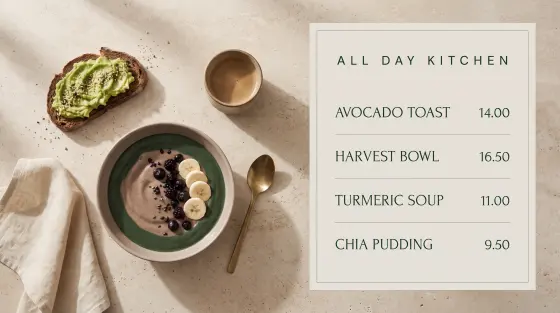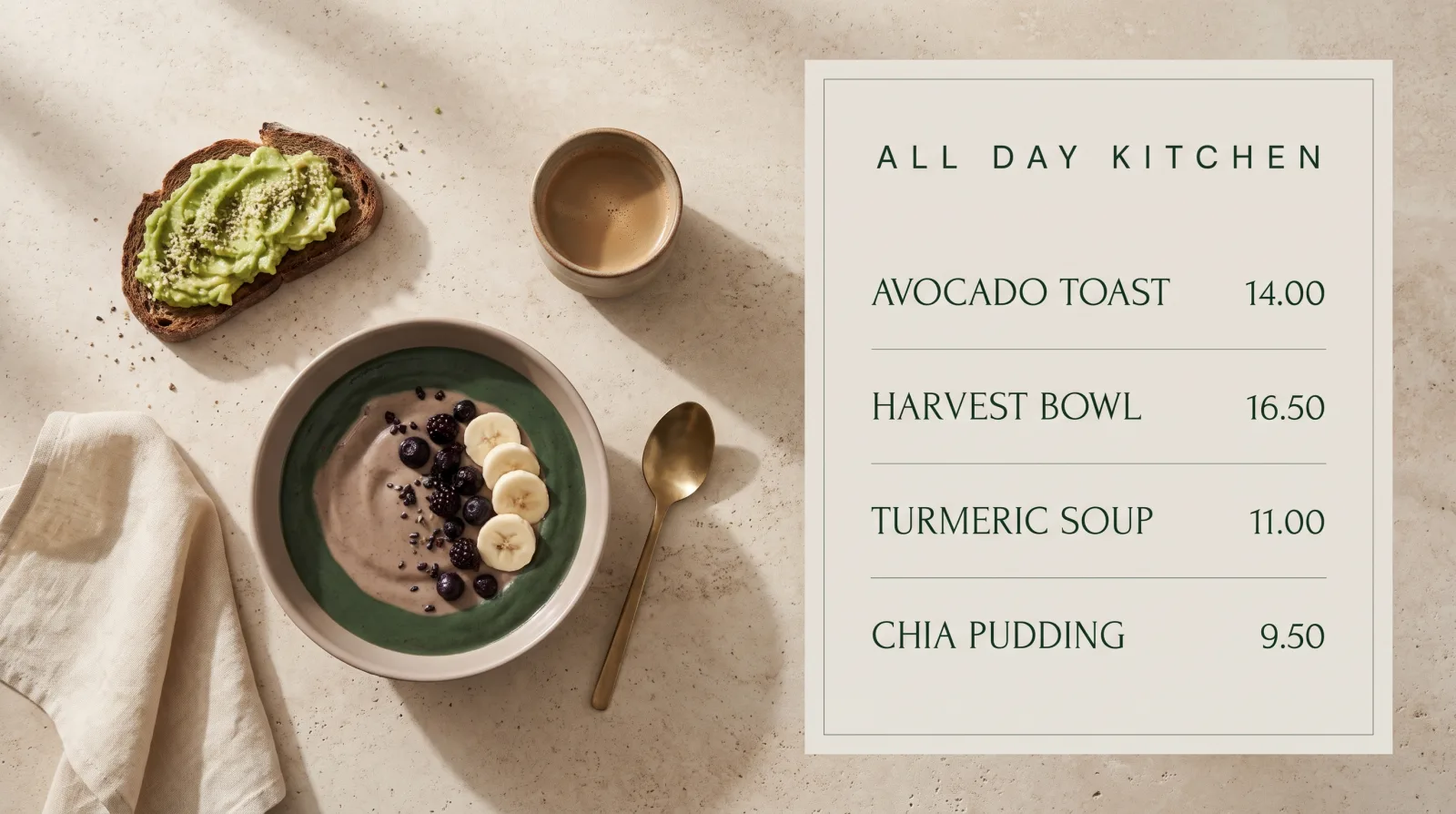
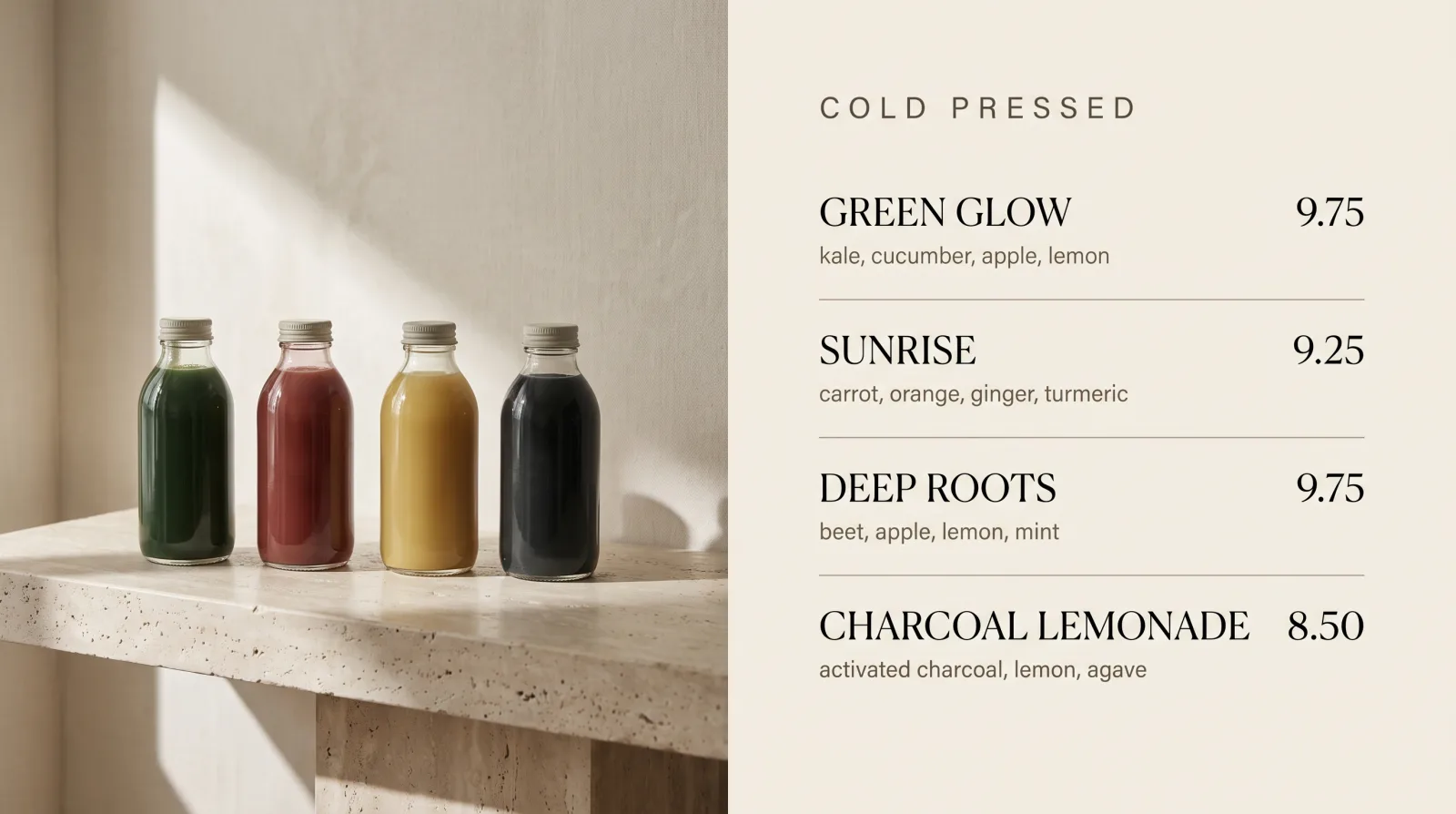

Change a price once. Every screen already knows.

Newment turns the TVs you already own into live displays that update themselves. No printing. No ladders. No waiting on a designer.

Fulton Market · Screen 1

Six board styles, one system. Tap any of them.

Why operators switch

The most expensive thing on your wall is the one that never changes.

Printed boards cost money every time a price moves, and they stay wrong for weeks because changing them is a project.

Printed boards

What it costs you now

  • A price change means a designer, a print shop and a wait.
  • Somebody is on a ladder after close, swapping panels.
  • The sold-out item keeps selling itself all week.
  • Every location drifts out of sync and nobody notices.
  • A seasonal promo is too much hassle to bother running.

Newment Displays

What it looks like after

  • Change a price from your phone. It is live in seconds.
  • Nobody touches the wall again.
  • Sold out? Pull the item. It is gone from every screen.
  • One view shows what is playing at every location.
  • Run a promo this afternoon, because it costs you nothing.

Live editing

Change it here. Watch the wall change.

This is a real board, not a picture of one. Move a price or mark something sold out and it lands on every screen you own before you put your phone down.

TODAY AT THE COUNTER
Fulton Market and 11 other locations41 screens
Live everywhere. Just now.

Multi-location

One tap. Every store. The same second.

Group screens by location, room or brand. Push to all of them at once, or fine-tune a single TV.

Live on every screen.

The manager's view

Every store on one wall, without leaving your desk.

One screen tells you what is playing in all twelve locations, which screens are awake, and which one stopped talking two minutes ago. No phone calls to store managers.

All locations
12 locations
41 screens
41 online

When something breaks

A dark screen is a fifteen second problem.

A screen freezes, a stick loses power, someone unplugs the wrong thing. You find out before your customers do, and you fix it from wherever you are standing.

Harbor Point · Screen 2 no signal · 4m

No signalLast frame delivered 4 minutes ago
Back online in 14 seconds.
  • 01You get told, not the customer. The screen stops reporting and the alert reaches you within a minute.
  • 02Restart it from your phone. The player reboots and pulls its playlist again. No drive out, nobody on a ladder.
  • 03If the room lost Wi-Fi, the screen keeps playing the last menu from its own cache instead of going black.
  • 04You see the history. Which screen dropped, how often, and whether it is the TV or the network. Repeat offenders stop being a mystery.

Per location

Every store pushes what that store needs to move.

Cedar Park is sitting on acai bowls. Kingsway is not. Chain-wide promos ignore that. Newment lets one store put its slow mover on screen without touching the other eleven.

Moving slowly today

12

Acai Bowls

Twenty percent behind the same weekday last month. Two hours of selling time left.

Menu board
Acai Bowls
until close
CEDAR PARK · TODAY ONLY

Live at Cedar Park. The other eleven stores kept their menu.

Getting started

Send the PDF you already have. Get back a board you can edit.

Whatever your menu lives in today, a PDF from the designer, a JPG someone exported, a photo of the printed board, we read it and rebuild it as a live Newment screen. Same items, same prices, same look. The difference is that from then on a price is one click, not a reprint.

MENU · FINAL v4.pdf

Green Glow9.75
Sunrise9.25
Deep Roots9.75
Acai Bowl13.50
Avocado Toast14.00
PDF
Waiting for your menu
The same menu as a live Newment board
Read, rebuilt and live. Prices are editable from here on.

Rules

Set it once. It runs the wall without you.

Most of what a menu board should do is predictable. Newment lets you write the rule once and then stops asking you about it.

When it rains

Hot drinks move to the front

The screen checks the forecast for that store's zip code. Rain before noon and the cold press panel steps back for tonics, soups and the hot menu.

Per location, not chain wide

When it hits 4pm

The quiet hour offer appears

Every screen switches on its own local clock, so the Airport store does not run the downtown schedule.

By daypart

When something sells out

It comes off the board everywhere

Mark it sold out once and it is struck from every screen in that store within seconds, so nobody orders what you cannot make.

One click

When stock is not moving

That store promotes it by itself

Set a floor. If an item is behind pace with two hours of trading left, that location puts it on screen without anybody deciding.

Optional, off by default

And the part everyone forgets

The same promo posts itself to social

The board you just put on the wall is already a designed graphic. Newment resizes it for a story, a feed post and a printed table card, writes the caption in your voice, and queues it. One decision, three places, instead of a screen that says one thing while Instagram says another.

Approve from your phone before anything posts

Voice control

Say it out loud. It is already on the wall.

No logins, no dragging files around, no ticket to the marketing team. Say what you want in plain words and the right screens change.

  • One screen or all of them. "Menu on the patio TV" or "holiday promo everywhere."
  • From your phone, standing on the floor. Send a voice note, walk away, it is done.
  • It knows your business. Locations, rooms and brands, not file names.

Ambient

It reads the room.

Newment watches the weather, the calendar, the clock and the rush, then changes what is on screen so it fits the moment. Set the rules once.

  • Rainy afternoon. Hot drinks and comfort food move to the front.
  • Holiday weekend. Seasonal look and hours, on every screen automatically.
  • Morning rush or quiet hour. Different content by daypart, hands off.
Good morning
Morning rush · fresh press

Every counter

If people stand in front of it, it should be selling.

Menus that push the upsell, promos that move stock, schedules that answer the question before anyone asks.

Setup

Live by the end of the afternoon.

No installers, no proprietary hardware, no contract to survive. If it has an HDMI port or runs a browser, it works.

01

Use the TVs you own

A cheap streaming stick or any browser is all it takes. Keep the screens already on your wall.

02

Pair in 30 seconds

The screen shows a code. Claim it from your dashboard, give it a name, done.

03

Run it, or talk to it

Schedule content, set the rules, or just say what you want. Every screen stays in sync.

Included

The boring parts, handled.

Playlists and scheduling

Different content by screen, room, day and hour. Set it and forget it.

Live widgets

Weather, clock, menus and messages that update themselves.

Multi-brand scenes

Run several brands across a wall of screens, each with its own look.

Roles and permissions

Give each location control of its own screens without touching the rest.

Offline safe

Wi-Fi drops and the last playlist keeps playing. No black screens.

Instant everywhere

Change something and every screen reflects it within seconds.

Questions

What everyone asks first.

The TVs
Use what you have. Any TV with an HDMI port works. If you need screens, we source and mount them with you.
The design
You keep your look. We rebuild your existing menu boards pixel for pixel, or design new ones with you. Nothing on screen is a template.
Your team
It is built for them, not around them. Your marketing people get the controls, store managers get their own store, and nobody has to learn software to change a price.
The internet
It survives bad Wi-Fi. Screens cache what they are playing and keep going. When the connection returns they catch up on their own.
Getting out
No lock-in. Month to month, your content stays yours, and the hardware is ordinary hardware you already own.

Show us your counter.

Six questions, about a minute. At the end you get a straight answer on what your rollout involves, and we rebuild one of your boards as a live Newment screen so you can see it running before you decide anything.

Question 1 of 6

How many locations are we talking about?

This is the number that changes everything else, so we start here.

Question 2 of 6

Roughly how many screens in total?

A guess is fine. Count the ones you have plus the ones you would add.

Question 3 of 6

How do your menus run today?

No wrong answer. It tells us how much of this is a swap and how much is a build.

Question 4 of 6

Which one are you on?

We will tell you honestly what it covers and what it leaves to you.

Question 5 of 6

Beyond the software, what do you want handled?

Pick everything that applies. This is the part most signage companies do not do.

Question 6 of 6

A photo of your counter, and where to send this.

The photo is the useful part. We rebuild what is on your wall today as a live board and send it back to you.

Add a photo of your counter

Tap to choose, or drag one in. Optional, but it is the difference between a guess and a mock-up.

Or just email info@newment.co.

A new state of mind

Newment

Newment Displays. Every screen, awake.